How Fastform works
Here it is in the real app, then step by step.
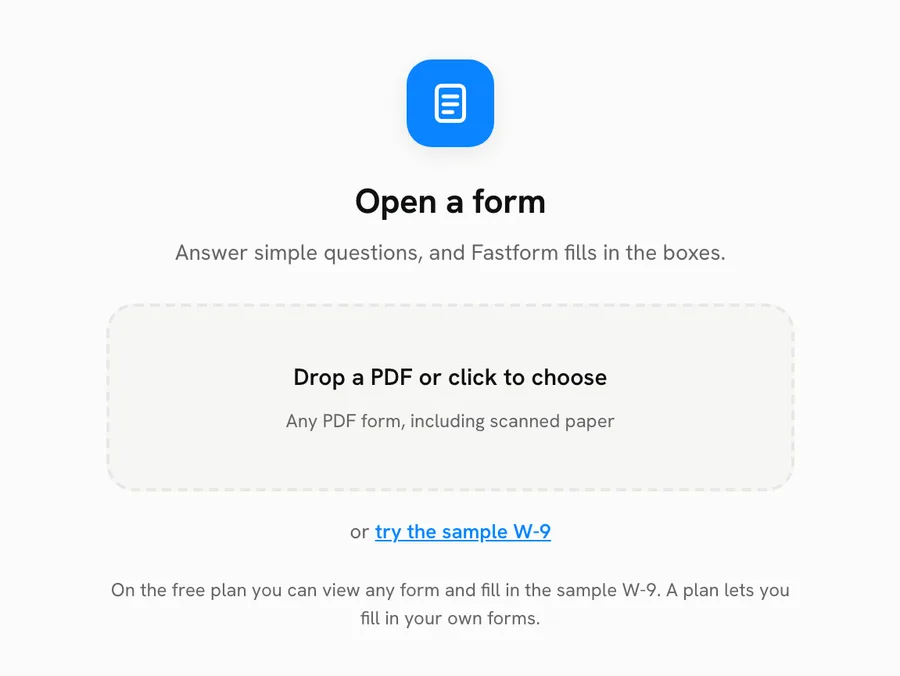
Upload your form
Any PDF works: a lease, a job application, a school or tax form. Fastform finds every box, including the small ones. Scanned paper forms work too.
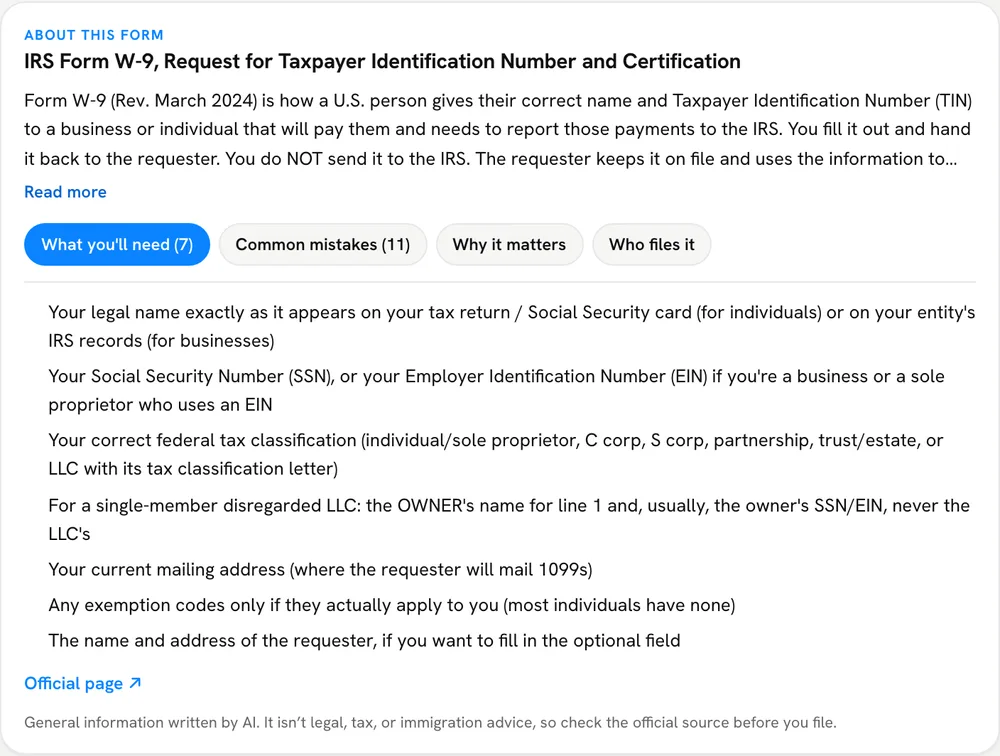
Read the short briefing
Before the first question, a briefing says what the form is for and what to have ready.
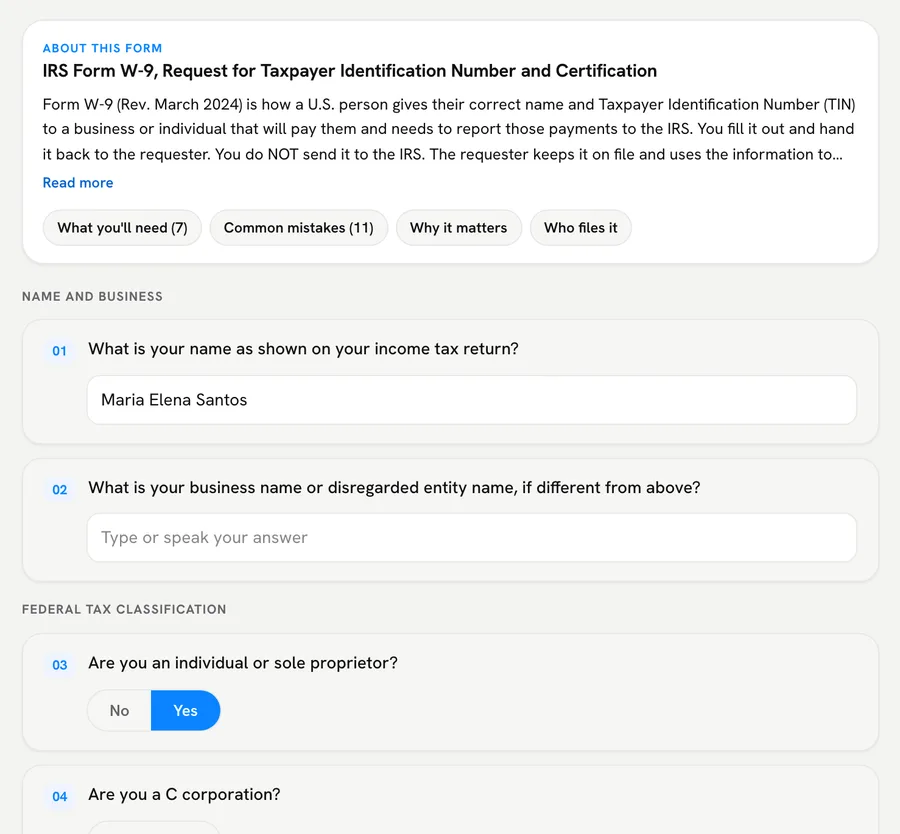
Answer simple questions
Each box becomes a simple question. Type, tap an option, or press Talk and say your answer. Stuck on a box? Drag a box around it on the form and ask what it means.
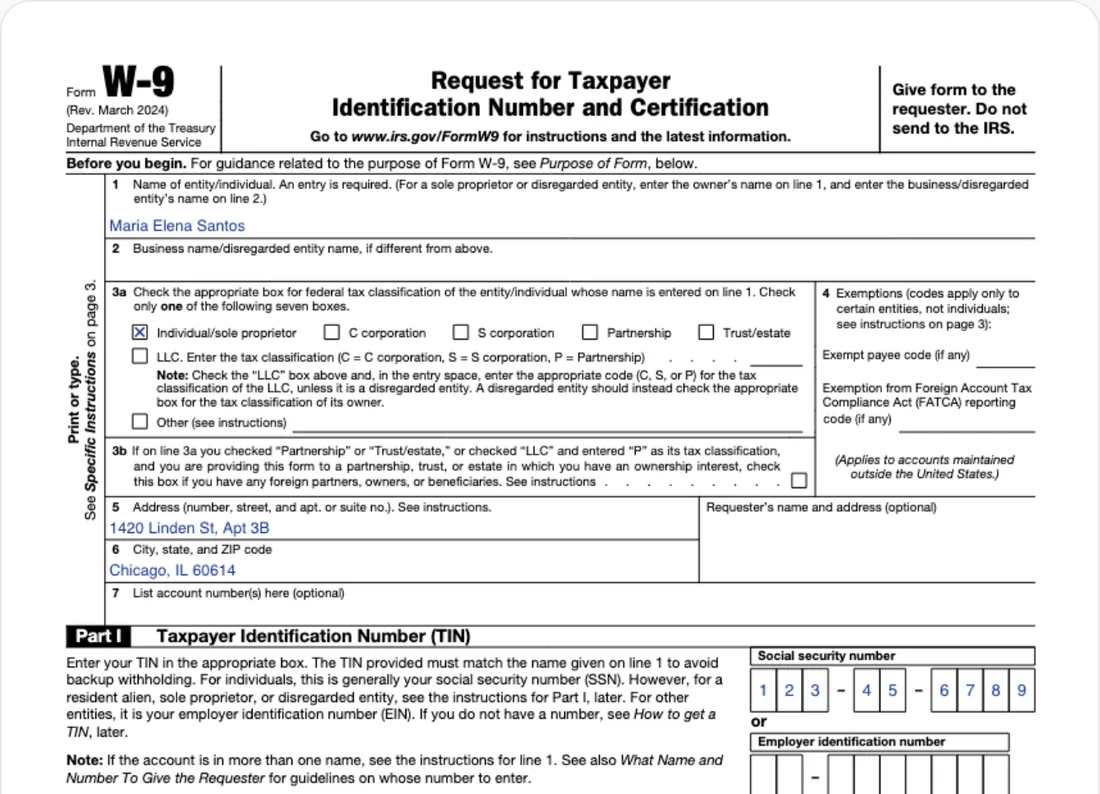
Check it, then download
Your answers appear on the form as you type. When it looks right, download the filled PDF and send it yourself. Downloads come with a Standard or Pro plan.
Save the details you reuse, like your name and address, and the next form fills in from them. You check every autofilled answer. On Pro you keep a profile for each person you fill forms for.
Upload the PDF and answer simple questions. Fastform fills in the boxes.
Try it free